The RV-C Diagnostic Tool That Puts Unprecedented Power and Flexibility in Your Hands
One tool to configure and service the entire RV-C network
Individual device configuration modules
Adjust settings, update firmware, and troubleshoot from your PC
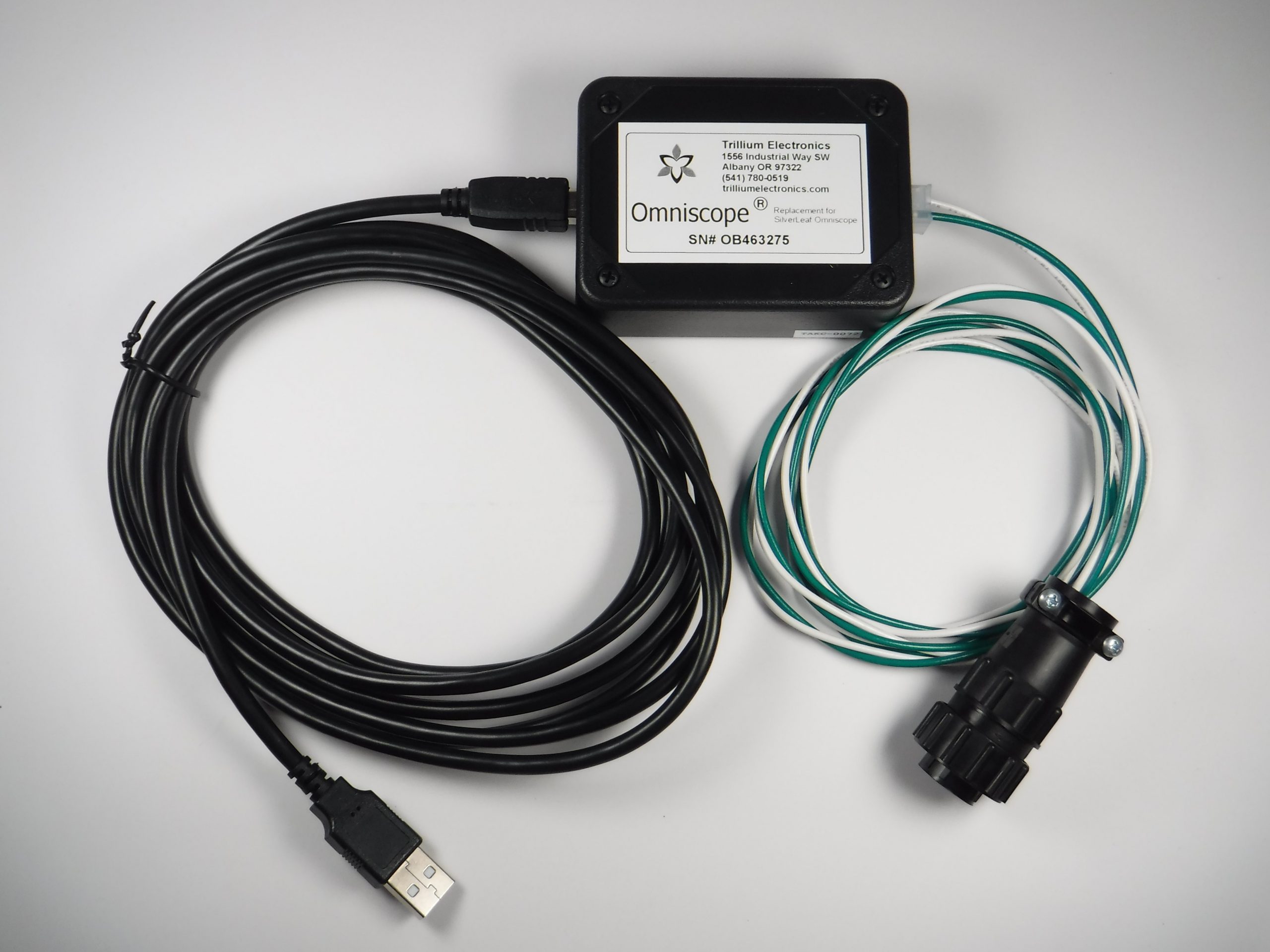
Simple USB to RV-C diagnostic plug interface
Order at Trillium today!
Omniscope
Omniscope is a diagnostic tool like no other. Thanks to an ever-evolving set of software modules, Omniscope provides access to data and settings that would otherwise be inaccessible to all but manufacturers and specialized technicians.
Just plug Omniscope into a laptop and connect the cable to a diagnostic port, and with the free software you’ll be able to monitor network traffic in real time, program and configure devices, log network traffic, view fault codes, and much more!
Omniscope comes standard with all the basic tools for programming and configuring SilverLeaf modules, viewing and logging RV-C network traffic, parsing RV-C messages and fault codes, configuring individual settings and batch configuring settings, viewing product data, viewing device data output, and customizing devices for aftermarket conversions or add-ons. Additional modules are available that further expand Omniscopes impressive capability.
Your Omniscope purchase includes all hardware components and cabling required to take control of your project, customize your RV, or perform diagnostics and repairs to your RV-C components. A Windows-based laptop is required for the graphical interface software.
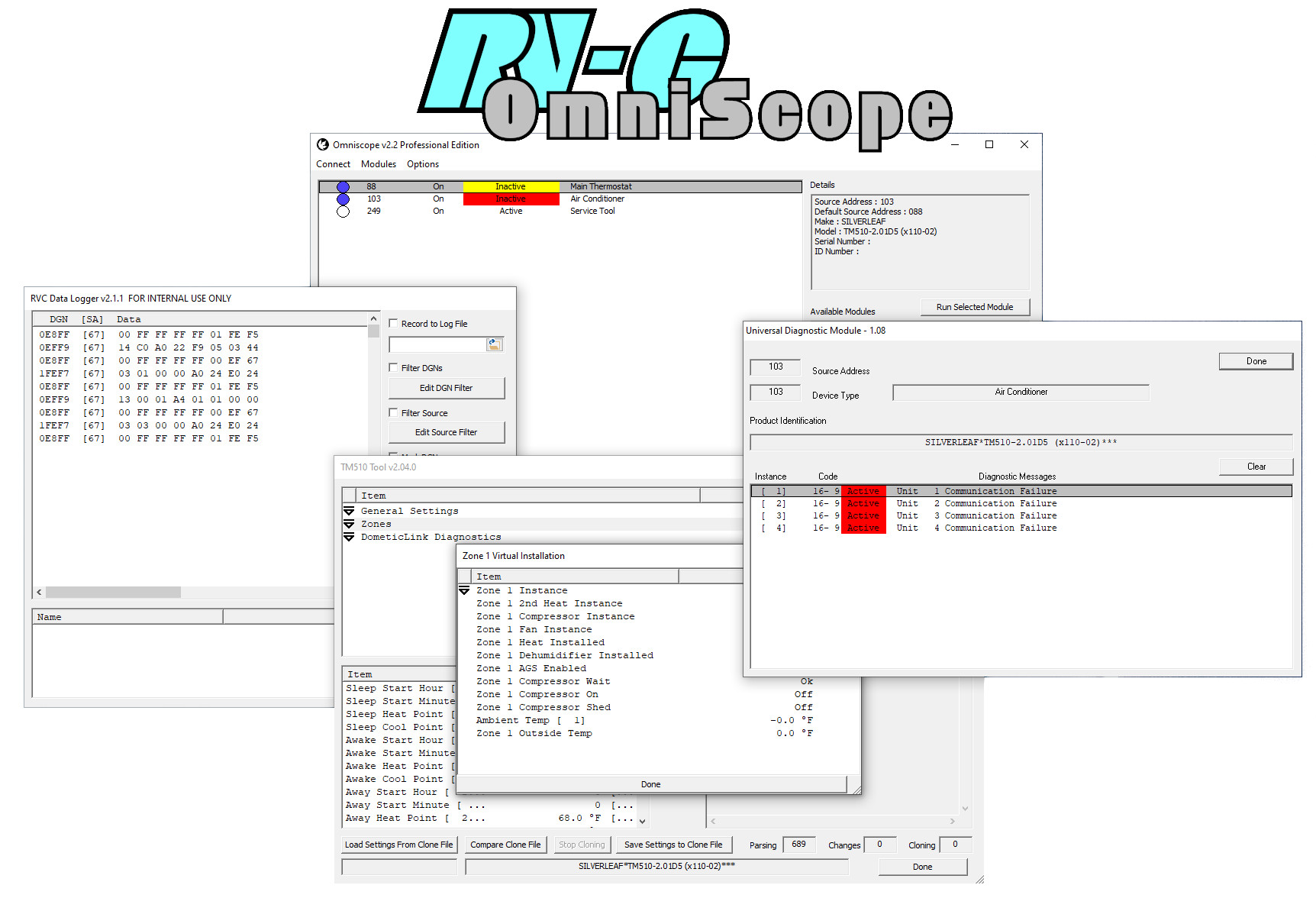
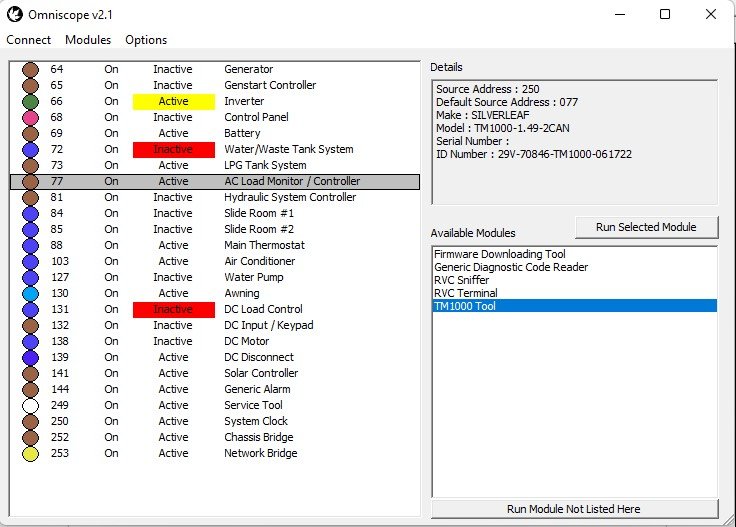
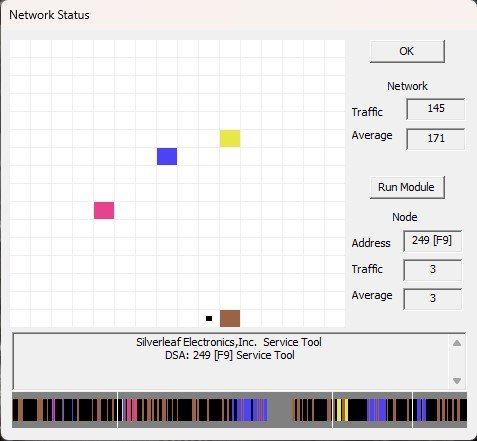
Example screen captures
Main Omniscope Window
Network Monitor
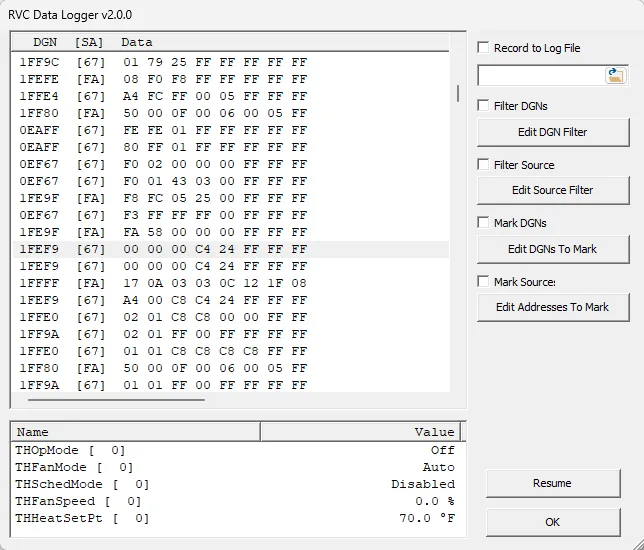
RV-C Data Logger
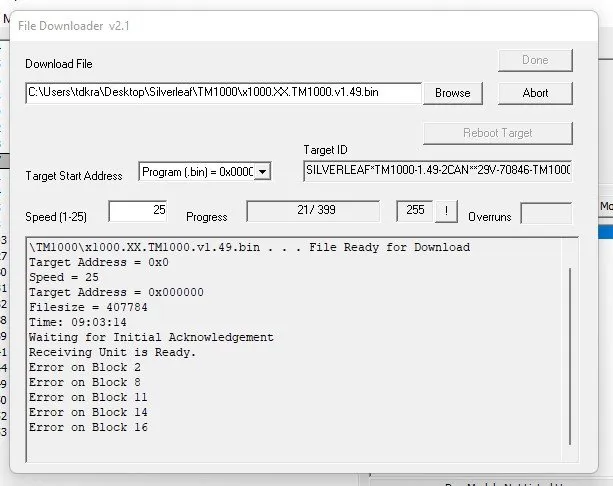
File Downloader
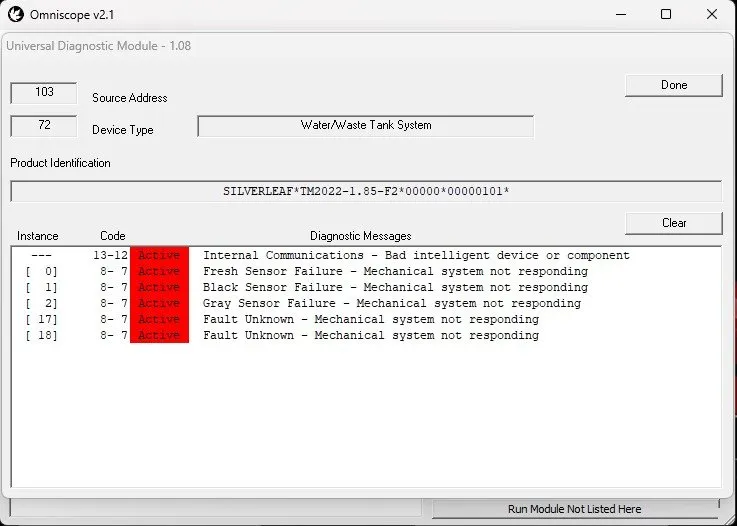
Universal Diagnostic Module
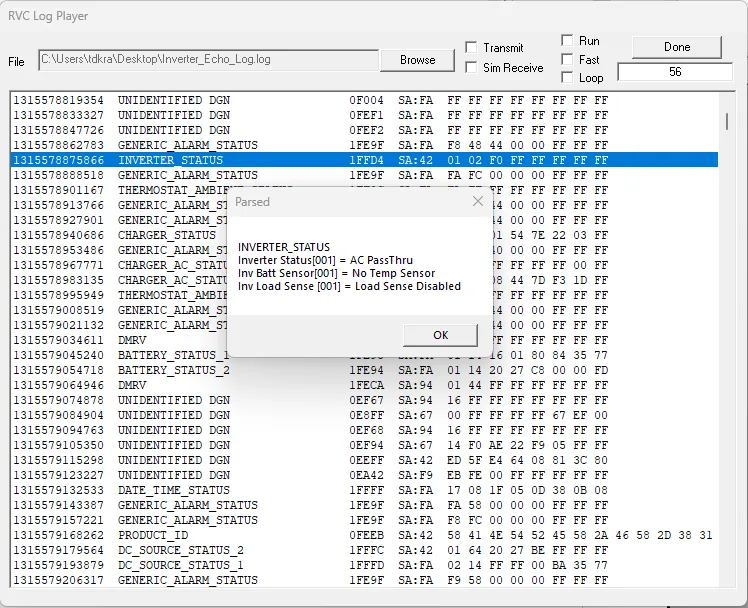
RV-C Log Player
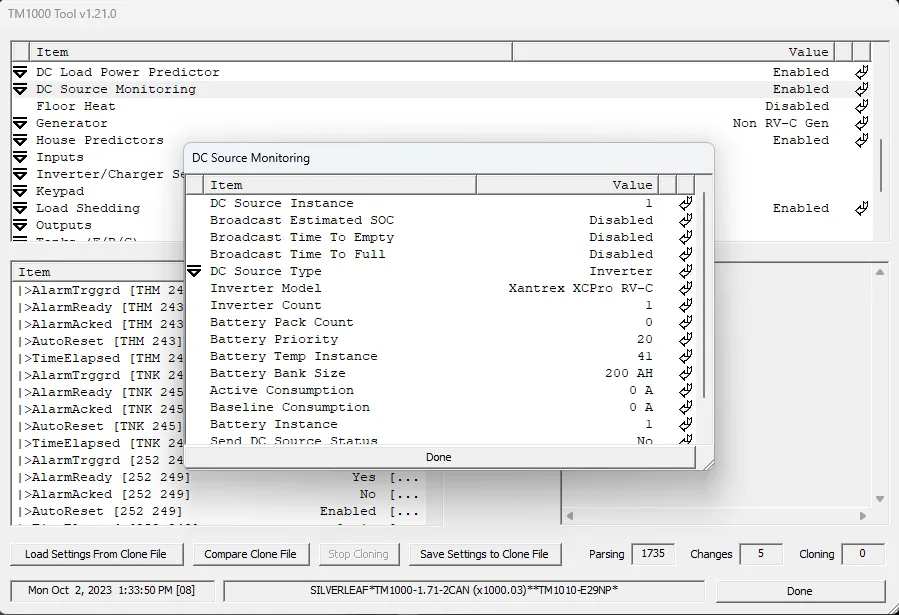
SilverLeaf TM1000 Tool
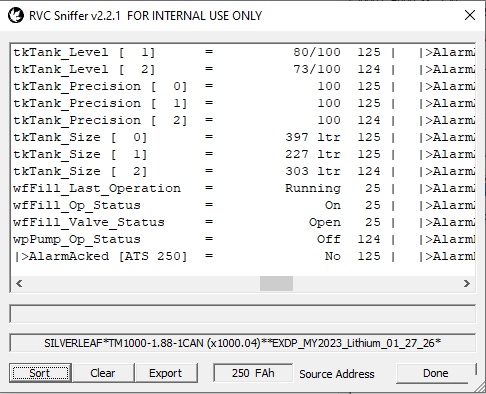
RV-C Sniffer
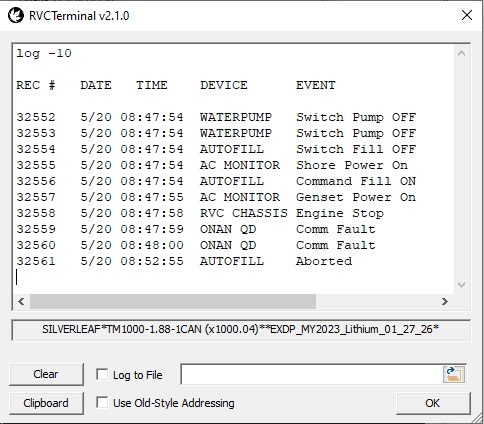
RV-C Terminal
Downloads
Omniscope v2.X Installer
Latest version of Omniscope. Launch file to install Omniscope and latest tools.